DS-82 form instructions: how to fill it out

By Tom Jones
Editor-in-Chief, PassportOfficesLast reviewed Editorial policy
Short answer
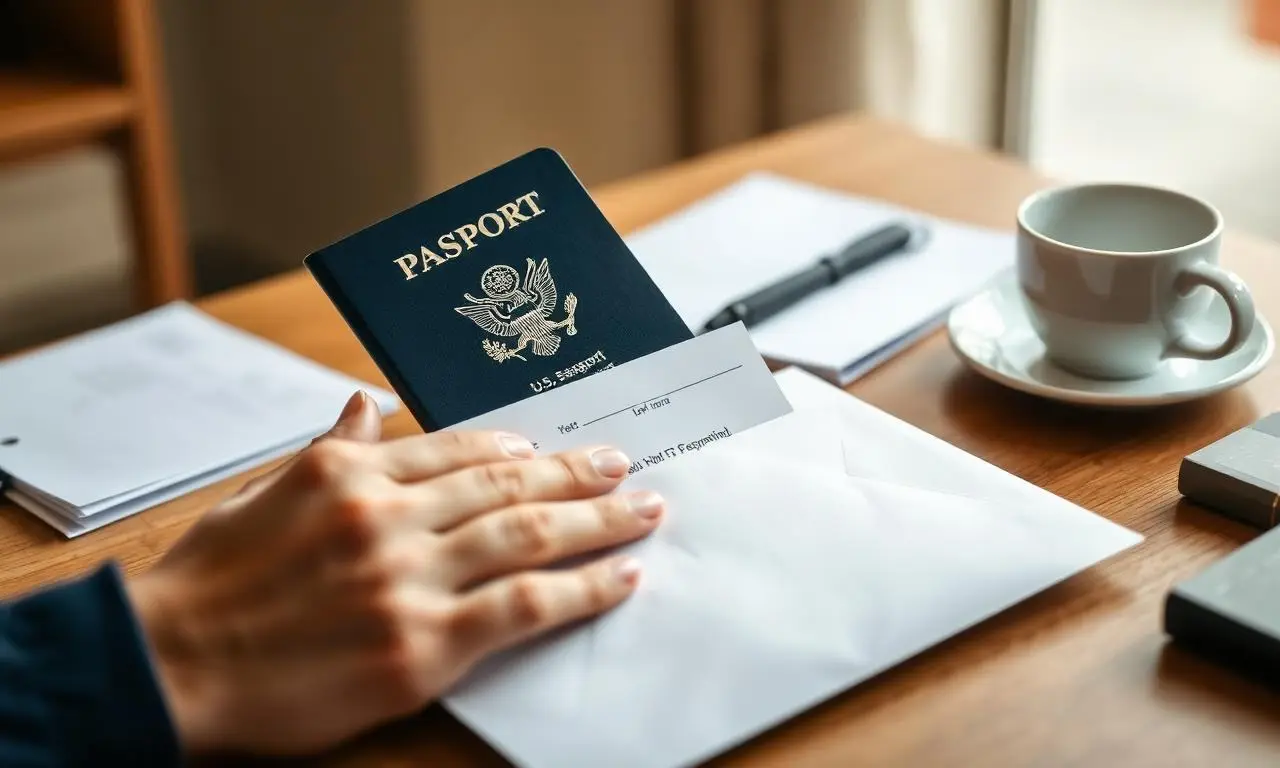
Form DS-82 is the mail-in passport renewal application. Fill it out online or in black ink, sign and date it yourself, attach one new 2x2 photo, and mail it with your most recent passport and payment.
steps
Step 1
Page 1, items 1–5: name, date and place of birth
Print your full legal name exactly as it should appear on the passport. Use your date and city/state of birth as they appear on your citizenship evidence, not on your driver's license.
Step 2
Items 6–9: Social Security number and contact details
Your Social Security number is required by law on the DS-82. Give an email address and phone number you actually check — the processing center uses them if something is missing.
Step 3
Item 10 onward: mailing address and travel plans
Use an address that will receive mail for the next two months. If you list travel dates, they should be real: they help the Department flag urgent cases but do not guarantee faster service.
Step 4
Sign and date the form yourself
Unlike the DS-11, the DS-82 is not witnessed. Sign inside the box in black ink and write the date you actually mail it. An unsigned form is the single most common reason a renewal is returned.
Step 5
Attach one new 2x2 photo
Taken within the last six months, plain white background, no glasses. Staple only the top edge or use the photo sleeve — never staple through the face, and never reuse the photo in your old passport.
Step 6
Enclose your most recent passport and payment
Mail the old passport in with the form; it comes back canceled in a separate envelope. Pay by check or money order made out to "U.S. Department of State" with your full name and date of birth on the memo line. No cash.
Step 7
Mail it with tracking and keep the receipt
Send it trackable, and add 1–2 day return delivery if you have any deadline. Check status online about two weeks after you mail it.